Lumion Architectural Visualization Course

Self-Paced Course 4.7/5 ratings

Learn Lumion step-by-step with practical, project-based lessons.
Create jaw-dropping architectural renders, animations, landscapes, and realistic environments.
Perfect for beginners, architects, interior designers, students & visualization artists.

  • check-mark Beginner to Advanced
  • check-mark 12 Hours of Detailed Videos
  • check-mark Real Project Work
  • lifetime access
  • mentor support
  • certification course
i
Heads up! Extra 40% Discount Active on this Course
Proceed to checkout page for final discounted price!

Course Overview

  • Create high-quality visualizations, stills & walkthroughs
  • 12+ hours of detailed content with lifetime access
  • softwares will be provided with lifetime access
  • 24×7 call and chat support
  • 200+ models, materials and textures for practice
  • 10 real-time projects for practice
  • live doubt solving sessions every week
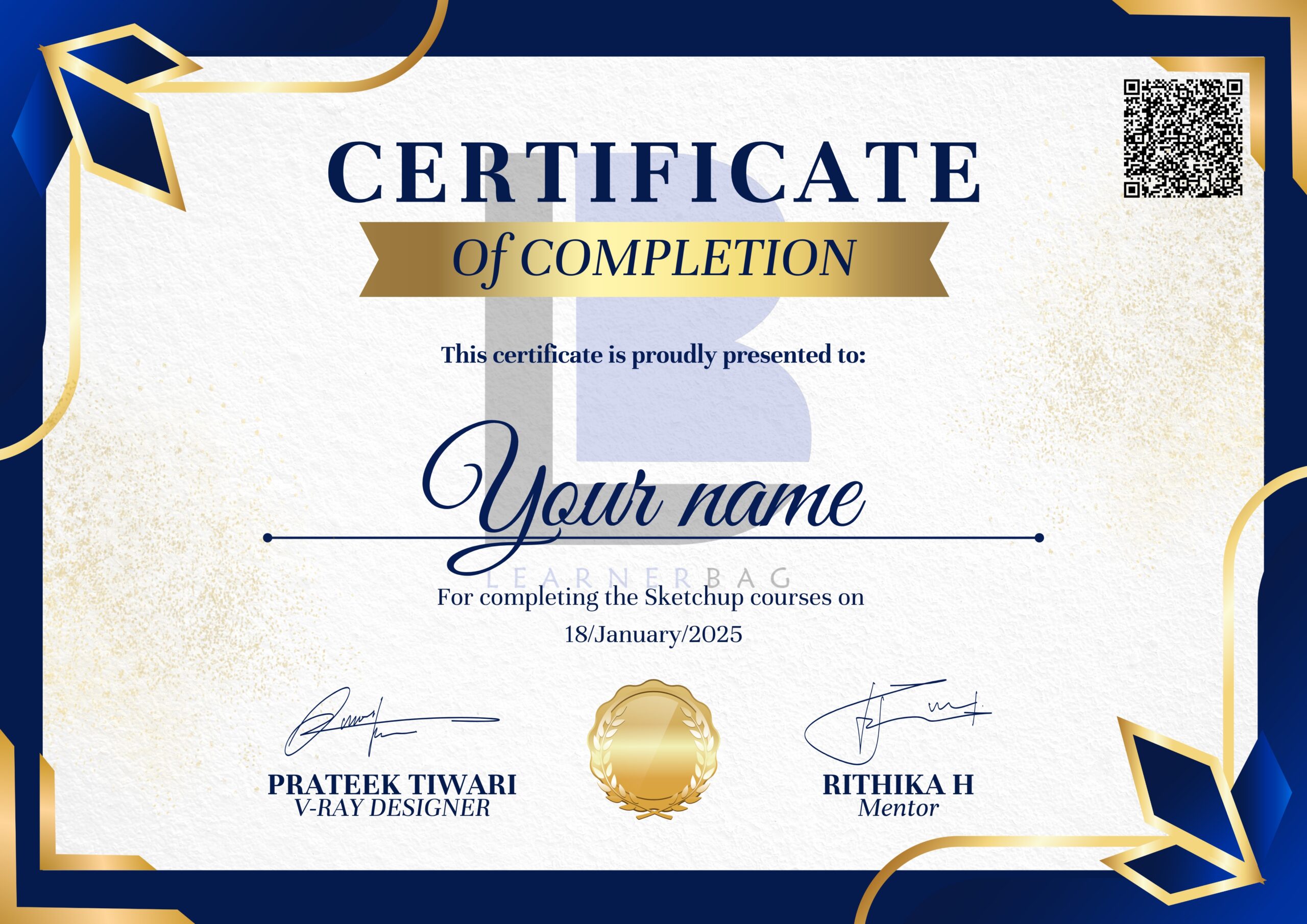
  • Course completion certificate
  • Complete Job guidance
  • Freelance projects will be provided for earning

What You’ll Get

SOFTWARE

lifetime access

TOTAL CONTENT

12+ Hours

PROJECTS

5 Freelance Projects

Flat 40% OFF

Buy any 1 Course at Rs. 199!

AutoCAD

img Beginner to Advanced

Sketchup

img Beginner to Advanced

Photoshop

img Beginner to Advanced

V-Ray

img Beginner to Advanced

3DS Max

img Beginner to Advanced

Course Content

  • img

    MODULE 1: Introduction to Lumion

    • What is Lumion & where it’s used

    • Installation, licensing & setup

    • Interface overview (Viewports, Materials, Libraries)

  • img

    MODULE 2: Importing & Preparing Models

    • Import from SketchUp, Revit, 3ds Max, Rhino & more

    • Model organization & layer setup

    • Clean-up for better renders

  • img

    MODULE 3: Materials & Texturing

    • Applying materials from the Lumion library

    • Custom textures & material adjustments

    • Real-world material properties

  • img

    MODULE 4: Landscape & Environment

    • Terrain tools, grass, trees, water features

    • Sun, sky, lighting & atmospheric settings

    • Weather effects & realistic environments

  • img

    MODULE 5: Lighting & Effects

    • HDRI lighting

    • Interior lighting setups

    • Reflection, shadows, glow & depth of field

  • img

    MODULE 6: Rendering & Output

    • High-quality still image render settings

    • Animation walkthroughs

    • Exporting videos & portfolios

  • img

    MODULE 7: Practical Projects

    • Residential project visualization

    • Interior scenes & exterior landscapes

    • Animation and presentation setup

  • img

    MODULE 8: Career & Freelance Skills

    • Portfolio building with Lumion renders

    • How to find clients & jobs

    • Presentation tips for clients

Pricing

₹ 199

₹ 799 (75%)

Meet Your Mentors

  • img

    Rithika H

    Interior Designer

    I Am interior designer with 7+ years of industry and teaching experience in interior designing. I specialize in practical project training, space planning, and modern rendering workflows, helping students build creative skills and real-world design confidence.

What Sets Us Apart

Recognised Certification

After you complete your course you will get course completion certificate which will add an extra skill in your Resume

Testimonials

“This Lumion course by LearnerBag worked really well for me. The pre-recorded lessons are easy to follow and explain rendering concepts in a very practical way. I especially liked how the course focuses on real-time rendering and walkthrough creation. Highly recommended for beginners learning Lumion.”
“I really enjoyed the LearnerBag Lumion course. The content is well structured and beginner friendly, making it easy to understand lighting, materials, and animation tools. The hands-on practice exercises helped me improve my 3D visualization skills quickly.”
“This is one of the best Lumion rendering courses online for beginners. LearnerBag explains everything step by step, from basic tools to advanced walkthroughs. Since the course is pre-recorded, I could learn at my own pace and revisit lessons anytime.”
“The Lumion course from LearnerBag is very practical and easy to understand. I liked how each topic is explained with real project examples, especially for exterior and interior renders. Learning Lumion through practice made a big difference in my workflow.”
“I found the LearnerBag Lumion training course extremely useful for improving my rendering quality. The pre-recorded videos are clear and well organized, and the practical assignments helped me understand lighting, effects, and camera animations better. Definitely worth enrolling.”
“If you’re looking for a beginner-friendly Lumion course, this one by LearnerBag is a great choice. The lessons focus on real-time visualization, walkthroughs, and high-quality renders, making it perfect for students and working professionals.”

FAQ

  • Is there any number to contact for query?

  • You can contact us on 8920201903

  • How can I opt for my preferred Course?

  • Click on Register now button to pay and get access to the courses you want to join.

  • How does the course prepare students for Earning?

  • you will get complete knowledge from basics till advance so that you can design a complete room yourself and then you can easily earn from paid projects.

  • How can I access course after payment

  • you will be shared a complete access through google drive on your registered email id just after the payment.

  • Can I make the payment through credit card?

  • you can pay using your credit card and many other options such as UPI, Debit Card. Google pay, phone pay.

  • How long will I have access to the course?

  • The course is downloadable and lifetime accessible. you can access the course for lifetime.

  • What features does Doubt Support have?

  • You will get live Doubt solving sessions every week and you can contact us on call and chat also anytime.