 Beginner to Advanced
Recognised Certification
After you complete your course you will get course completion certificate which will add an extra skill in your Resume

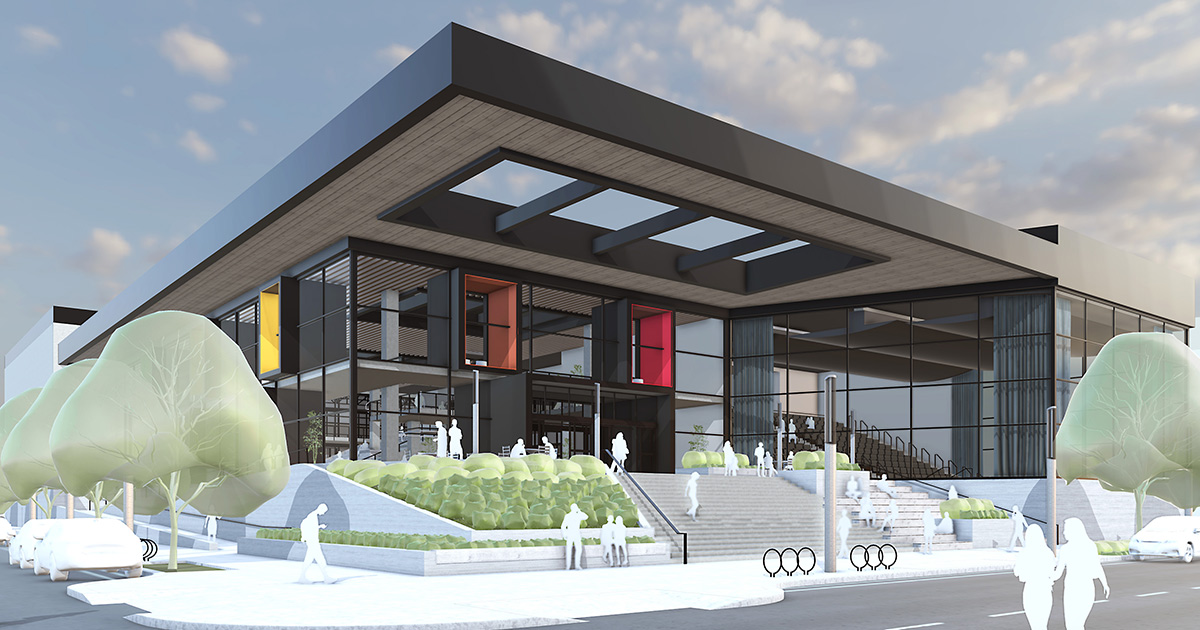
Learn SketchUp step by step with easy, practical lessons.
Create accurate 3D models, layouts, and presentations.
Work on real-world projects to build confidence and skills.
Perfect for beginners, students, and design professionals.
 Beginner to Advanced
16 Hours of Detailed Videos
100k+ interested
Beginner to Advanced
16 Hours of Detailed Videos
100k+ interested
lifetime access
15+ Hours
5 Freelance Projects






What is SketchUp and where it is used
Interface overview and navigation
Understanding toolbars, panels, and trays
File types and workspace setup
Orbit, Pan, and Zoom tools
Standard views and camera tools
Perspective vs Parallel Projection
Scene basics
Line, Rectangle, Circle, Arc, and Polygon tools
Inference system (axes, midpoints, endpoints)
Accuracy using measurements box
Practice with basic 2D drawings
Push/Pull tool for 3D forms
Move, Rotate, Scale tools
Creating simple 3D objects
Solid vs non-solid geometry
Importance of groups and components
Creating and editing groups
Making reusable components
Component hierarchy and management
Using guides and construction lines
Solid modeling basics
Tags (Layers) and Outliner
Model organization best practices
Creating doors and windows
Wall thickness and openings
Copying and aligning components
Dynamic component basics
Applying and editing materials
Texture scaling and positioning
Creating custom materials
Using transparency and glass
Importing CAD (AutoCAD) drawings
Scaling and cleaning DWG files
Importing images for reference
Matching scale correctly
Introduction to SketchUp Extension Warehouse
Installing and managing extensions
Useful plugins for modeling and architecture
Workflow improvement using plugins
Curved surfaces and complex forms
Follow Me tool in detail
Boolean operations (Solid Tools)
Modeling furniture and custom objects
Creating and managing scenes
Styles, edges, and face settings
Section planes and cut views
Presentation-ready views
Layout interface and tools
Sending models from SketchUp to Layout
Scale, dimensions, and annotations
Creating floor plans and elevations
Introduction to rendering concepts
Light, shadows, and camera views
Exporting models for rendering
Rendering workflow overview (plugin-based)
Complete interior or exterior project
From CAD import to final 3D model
Applying materials and scenes
Presentation setup
Exporting images and animations
Client presentation tips
Portfolio preparation
SketchUp career paths & next steps

I Am interior designer with 7+ years of industry and teaching experience in interior designing. I specialize in practical project training, space planning, and modern rendering workflows, helping students build creative skills and real-world design confidence.
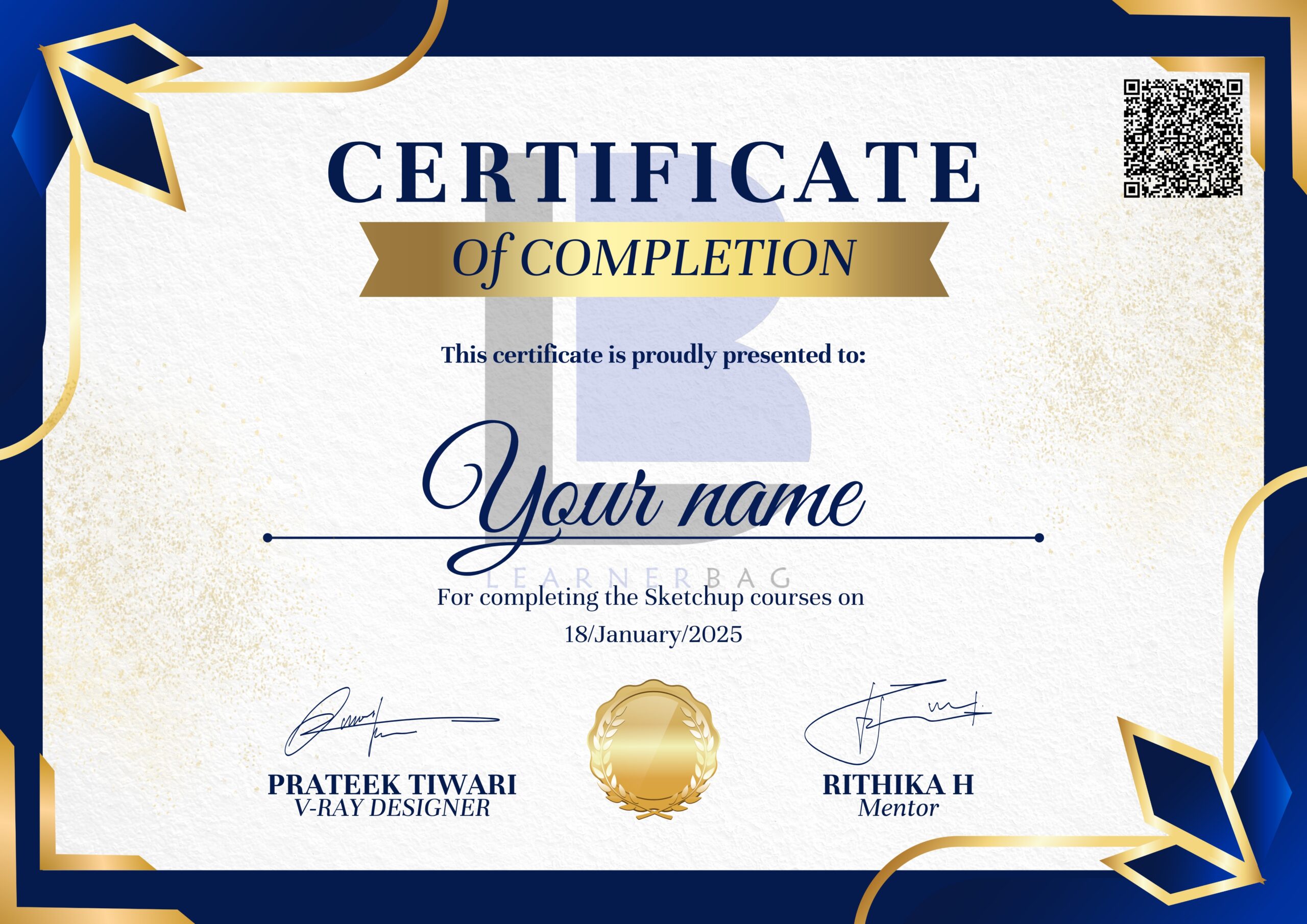
After you complete your course you will get course completion certificate which will add an extra skill in your Resume



You can contact us on 8920201903
Click on Register now button to pay and get access to the courses you want to join.
you will get complete knowledge from basics till advance so that you can design a complete room yourself and then you can easily earn from paid projects.
you will be shared a complete access through google drive on your registered email id just after the payment.
you can pay using your credit card and many other options such as UPI, Debit Card. Google pay, phone pay.
The course is downloadable and lifetime accessible. you can access the course for lifetime.
You will get live Doubt solving sessions every week and you can contact us on call and chat also anytime.